Start
Scaffold a new project (interactive or with --yes).
ostup init
OSTUP is one command that scaffolds your repo, a local cockpit, and an AI agent that already knows your project. Launch-ready, not template-stuck.
How it works
Start with an idea, an existing repo, or a folder of client material. OSTUP turns it into a scaffolded workspace with docs, agent context, and a clear next move.
Paste a single line in your terminal. No template to clone, no setup notes to follow.
Tell OSTUP what you are building and where your materials live. Press Enter to take the defaults.
Repo, docs, agent context, and a chosen stack get built. Pick a web stack and it deploys to a live URL.
A local status dashboard shows what shipped and what is ready to touch. Then you build with your agent.
What you get
OSTUP packages the unglamorous launch work — repo setup, project context, status dashboards, privacy checks, and repeatable agent handoff — so you begin with a working surface instead of a blank chat.
Start
Scaffold a new project (interactive or with --yes).
ostup initAdopt
Retrofit an existing repo with the ostup agent kit (non-destructive).
ostup adoptCockpit
Generate a local status dashboard and redacted JSON report.
ostup cockpitPrivacy
Probe a deployed URL for default-deny enforcement (privacy mode). Apply, undo, or report on app-level privacy (default-deny middleware).
ostup doctor --privacyostup private add|remove|statusEvery project starts with the full build kit.
31
Agent recipes
5
Session hooks
5
Scripts
4
Docs
Local cockpit
After init or adopt, OSTUP writes a local status dashboard and a redacted report. The next builder sees the package version, project shape, checks, and what is ready to touch — no guessing.
ostup initostup adoptostup cockpitostup previewostup doctorostup cockpit
Project status
Checks in place
$ npm run verify
One command to confirm the project is still sound.
Product profiles
Profiles give the first commit a real shape — dashboards, stores, portfolios, booking flows, and content systems arrive with routes, API surfaces, components, and starter content already organized.
5
routes
5
api
1
ui
2
routes
2
api
2
ui
2
routes
0
api
1
ui
1
routes
3
api
3
ui
2
routes
0
api
0
ui
1
routes
1
api
4
ui
8 profiles ship 15 routes and 11 API routes in total. The full set lives in the reference below.
Case study
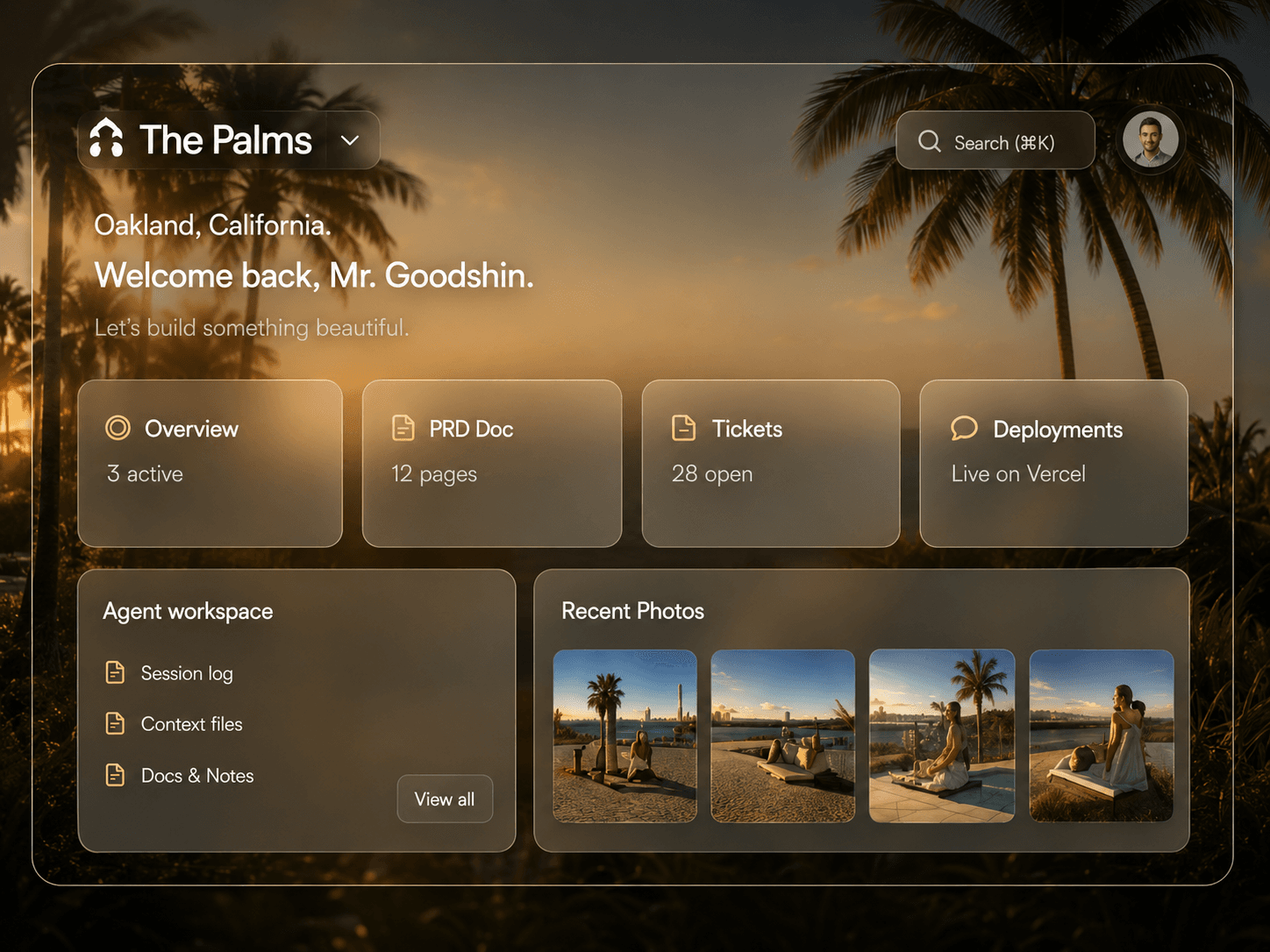
A polished first surface of the kind OSTUP is built to unlock. The closest current recipe is the Booking profile: 1 route, 3 API routes, and 3 components out of the box.
Install
The guided Mac and Windows paths set up everything on a fresh machine. Already have Node? Use the developer path and skip straight to the questions.
Mac · Open Terminal. Paste. Done.
Press ⌘ Cmd + Space, type "Terminal", press Enter.
That is the whole install. ostup handles everything else.
/bin/bash -c "$(curl -fsSL https://ostup-install.vercel.app/install.sh)"ostup installs Homebrew + Node if missing (one Mac password prompt — that is macOS, not ostup), then walks you through signing in to GitHub and Vercel in your browser. Press Enter on the project questions to take the defaults. About 10 minutes total. The default web stack ends with a live URL and local cockpit proof.
Reference
The details for builders who want them after the pitch — pulled live from the published package.
Overview
Three commands cover most launches. The full command set, flags, and checks live in the other tabs.
17 commands · 36 flags · 8 profiles
ostup initScaffold a new project (interactive or with --yes).
ostup adoptRetrofit an existing repo with the ostup agent kit (non-destructive).
ostup cockpitGenerate a local status dashboard and redacted JSON report.